
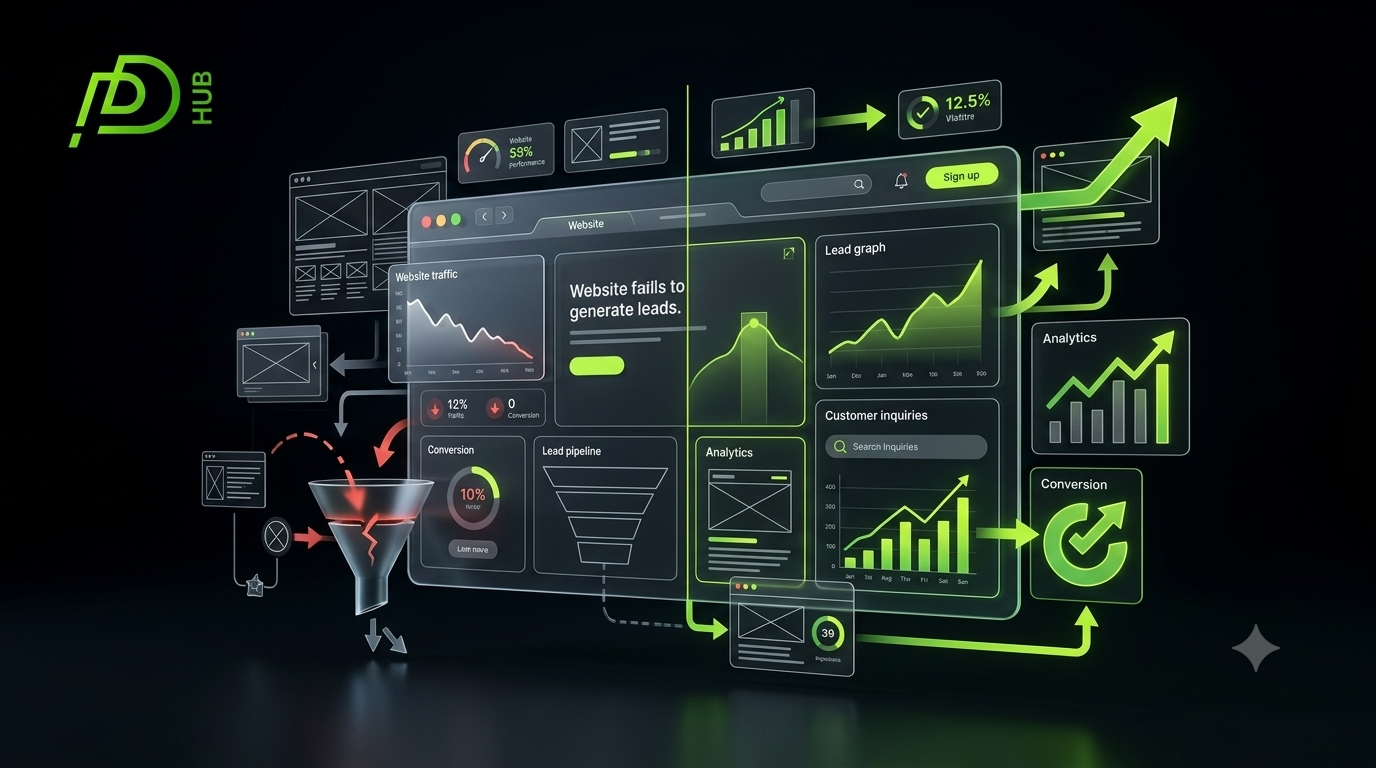



Your website may look professional, attract visitors, and explain your services but is it consistently generating inquiries?
Many businesses invest in a new website and expect leads to follow automatically. After launch, however, they discover that visitors browse a few pages and leave without calling, completing a form, requesting a quote, or booking a consultation.
When a website is not generating leads, the problem is not always traffic. The real issue may be unclear messaging, weak calls to action, poor user experience, missing trust signals, or a disconnect between the content and what potential customers actually need.
A mobile-friendly website helps reduce friction throughout the customer journey and improves the likelihood of conversions.
Here are 15 practical fixes that can help turn an underperforming website into a more effective lead-generation tool.
Low-Converting Website vs Lead-Generating Website
The following comparison provides a quick diagnostic for businesses evaluating website performance.
| Website Element | Low-Converting Website | Lead-Generating Website | Recommended Action |
|---|---|---|---|
| Main message | Generic company introduction | Clear customer problem and solution | Rewrite the hero section around customer needs |
| Call to action | Vague or difficult to find | Specific, visible and action-focused | Use one primary CTA throughout the page |
| Navigation | Complex menu with too many choices | Simple paths to key services | Reduce unnecessary navigation options |
| Service pages | Short lists of services | Detailed solutions, benefits and outcomes | Build a dedicated page for each core service |
| Trust signals | Unsupported marketing claims | Reviews, case studies and credentials | Add verifiable proof near conversion points |
| Mobile experience | Difficult to read or navigate | Fast and touch-friendly | Test layouts, buttons and forms on mobile |
| Contact forms | Long and demanding | Short and relevant | Request only essential information |
| Content | Written mainly for search engines | Written for customer questions and decisions | Match content with search intent |
| Performance | Slow and unstable | Fast, secure and visually stable | Improve speed and Core Web Vitals |
| Measurement | Traffic monitored without lead tracking | Forms, calls and bookings tracked | Configure meaningful conversion events |
This structure is useful for traditional search results and answer engines because it clearly connects each problem with its business impact and recommended solution.
1. Clarify What Your Business Offers
Visitors should understand your offer within a few seconds of reaching the page.
A headline such as “Welcome to Our Website” does not explain what you do, who you help, or why someone should choose you.
A stronger message communicates:
- The service you provide
- The audience you serve
- The problem you solve
- The outcome customers can expect
For example:
We design conversion-focused websites for US businesses that need more qualified leads.
Clear positioning is one of the foundations of a lead-generating website.
2. Focus on the Customer’s Problem
Many websites talk almost entirely about the company:
- Our experience
- Our mission
- Our technology
- Our talented team
Those details can build credibility, but visitors initially care more about their own challenges.
Your content should show that you understand why they arrived. Explain the problem, its consequences, and how your service provides a practical solution.
Customer-focused content is also consistent with Google’s guidance to create useful, reliable, people-first content rather than pages designed mainly to influence rankings.
3. Strengthen Your Calls to Action
A visitor may be interested but still leave because the website does not clearly explain what to do next.
Avoid relying only on vague buttons such as:
- Learn More
- Click Here
- Submit
- Get Started
Use action-oriented calls to action that set clear expectations:
- Request a Website Quote
- Book a Strategy Call
- Get a Free Website Review
- Discuss Your Project
- Schedule a Consultation
Place the primary CTA in the header, hero section, relevant service sections, and near the end of the page.
4. Simplify the Navigation
Complicated navigation creates decision fatigue.
A business website usually does not need dozens of competing menu items. Prioritize the pages that move visitors toward a decision:
- Services
- Work or case studies
- About
- Insights
- Contact
Visitors should be able to reach a relevant service or contact page without repeatedly opening menus or searching through unrelated content.
5. Build Dedicated Service Pages
Listing every service on one page may limit both rankings and conversions.
Create a dedicated page for each major service. A web design agency, for example, might develop separate pages for:
- Website design
- Custom web development
- E-commerce development
- Mobile app development
- Website redesign
- SEO services
Each page should address a specific audience, problem, process, expected outcome and next step. This helps search engines understand the page while giving potential clients enough information to make an informed decision.
6. Add Verifiable Trust Signals
Customers are unlikely to contact a company they do not trust.
Useful trust elements include:
- Authentic customer testimonials
- Detailed case studies
- Client logos used with permission
- Team profiles
- Professional credentials
- Recognizable business information
- Security and privacy information
- Links to legitimate social profiles
Place the strongest trust signals near forms, pricing information and calls to action not only on a separate testimonials page.
7. Improve Mobile Usability
Potential customers may discover your website on a smartphone while comparing providers, checking reviews, or searching for a quick solution.
Test whether mobile visitors can:
- Read the content comfortably
- Tap buttons without difficulty
- Open the navigation
- Complete forms
- View comparison tables
- Contact the business quickly
A technically responsive layout is not enough. The entire mobile journey should feel simple and intentional.
8. Improve Website Speed and Stability
Slow pages interrupt the customer journey before visitors have an opportunity to understand your offer.
Google’s Core Web Vitals evaluate real-world loading performance, interactivity and visual stability. Google also emphasizes that page experience involves more than achieving good scores in a single testing tool.
Common improvements include:
- Compressing oversized images
- Removing unnecessary scripts
- Using modern image formats
- Improving hosting performance
- Reducing layout shifts
- Optimizing fonts
- Limiting heavy animations
A faster experience supports both usability and website conversion optimization.
9. Shorten Your Contact Forms
A long form can make a simple inquiry feel like an application process.
For an initial lead, you may only need:
- Name
- Business email
- Company
- Required service
- Short project description
Additional questions can be discussed after the first contact. Ask only for information that is genuinely necessary to qualify or respond to the inquiry.
10. Match Content With Search Intent
Visitors arrive with different goals.
Somebody searching for “website design cost in USA” expects pricing guidance. Someone searching for “how to choose a web development company” wants selection criteria. Someone visiting a service page needs evidence that your agency can solve the problem.
If the page does not satisfy the expected intent, visitors are likely to leave without converting.
Review every important page and ask:
Does this page directly answer the question that brought the visitor here?
11. Create Stronger Service-Level Proof
General claims such as “we deliver exceptional solutions” are difficult to evaluate.
Replace them with specific evidence:
- The original business problem
- The solution you implemented
- Important design or development decisions
- Measurable outcomes where verified
- Screenshots or project examples
- A client statement
A well-written case study can reduce uncertainty and help prospects picture what working with your agency would look like.
12. Improve Your Landing Pages
Sending every campaign, social post or search visitor to the homepage can reduce relevance.
A focused landing page should contain:
- One primary audience
- One problem
- One offer
- One main action
- Supporting proof
- Frequently asked questions
- Minimal distractions
For example, visitors interested in an e-commerce website should reach a page specifically about e-commerce development not a homepage promoting six unrelated services.
13. Address Buyer Objections
Potential customers often hesitate because they still have unanswered questions.
Useful pages should address concerns such as:
- How much will the project cost?
- How long will development take?
- What information do we need to provide?
- Who owns the finished website?
- Is ongoing support available?
- Can the website scale?
- How will SEO be handled?
Answering these questions reduces uncertainty and supports a more confident decision.
14. Track Actual Lead Actions
Traffic alone does not show whether a website supports business growth.
Measure actions that represent genuine interest, such as:
- Submitted contact forms
- Consultation bookings
- Quote requests
- Click-to-call interactions
- Qualified chat conversations
- Proposal requests
- Email clicks
Google Analytics allows businesses to configure important user actions as key events and use them for conversion measurement. Its lead-acquisition reporting can also help evaluate how potential customers first reached the website.
Without proper tracking, you may not know which pages or channels actually generate opportunities.
15. Create a Clear Follow-Up Process
Website conversion does not end when someone completes a form.
A delayed, generic or confusing response can still lose the lead.
Create a simple process:
- Confirm that the inquiry was received.
- Explain when the prospect can expect a response.
- Assign the lead to the right person.
- Review the request before making contact.
- Provide a clear next step.
The website and sales process should work together as one connected customer journey.
Does Your Website Need a Complete Redesign?
Not every lead-generation problem requires a full redesign.
Small changes to messaging, calls to action, forms, service pages or tracking may produce meaningful improvements. However, a larger redesign may be appropriate when the website has several connected problems, such as outdated technology, weak mobile usability, confusing navigation, slow performance and unclear positioning.
Start with an evidence-based review before replacing the entire website.
Turn Your Website Into a Stronger Business Tool
When a website gets traffic but no leads, publishing more content or attracting more visitors may not solve the underlying problem.
The priority should be removing friction from the customer journey. Clarify the offer, strengthen trust, simplify navigation, improve performance and make the next step obvious.
Pure Design Hub creates conversion-focused websites for businesses that need more than an attractive design. Our approach connects strategy, user experience, development and search visibility to help websites support measurable business goals.
Frequently Asked Questions
A website can receive traffic without leads because visitors may not understand your offer, trust your business, or find a clear next step. Improving messaging, user experience, calls to action, and page speed can help convert more visitors into customers.
To generate more leads, clarify your value proposition, create focused service pages, use stronger calls to action, simplify forms, add customer proof and track important conversion events. Start with the pages receiving the most relevant traffic.
A good lead-generation website combines clear messaging, fast performance, simple navigation, persuasive service content, visible trust signals and an easy conversion path. It should answer important buyer questions and guide visitors toward one relevant action.
A complete redesign is not always necessary. First identify whether the problem involves messaging, traffic quality, usability, speed, forms or measurement. A redesign becomes more appropriate when multiple structural and technical problems prevent smaller improvements from succeeding.
Track qualified actions such as form submissions, booked consultations, calls, quote requests and email inquiries. Compare these conversions by landing page, traffic source and device to identify which parts of the website produce leads and which require improvement.
One Response