
Your website may get visits but still miss leads. A visitor may need a price or want to book a call. If no one can help, they may leave.
AI chatbot integration adds a chat tool to your site. It can answer common questions, guide users, and collect lead details. It can also pass hard questions to your team.
The goal is to help visitors take the next step, not replace people.
What Is AI Chatbot Integration?
AI chatbot integration adds an AI chat tool to your site. The tool uses approved content from your business. It then answers common questions in plain words. A basic bot may share hours or contact details. An advanced bot may sort leads or book calls.
When Does a Small Business Need a Website Chatbot?
A chatbot helps when it solves a clear need. Consider one if your team gets the same questions each day or misses leads after hours.
A chatbot may help people:
- Check your hours or key services.
- Learn what they need for a quote.
- Book a call or ask for a callback.
- Find the right person to contact.
If few people visit your site, a clear contact page may be enough.
How AI Chatbot Integration Works
Before you integrate an AI chatbot into your website, define one goal. A good website chatbot integration follows five steps.
1. Add the chat tool. Place a chat widget on your site. You may also use a tool built for your site platform.
2. Add trusted content. Use your service pages, FAQs, and policy pages. Keep them up to date.
3. Set clear rules. Choose what the bot can answer. Set the times when it must pass a chat to a person.
4. Link useful tools. The bot may link to a form, calendar, or CRM. Start with the tools your team already uses.
5. Test before launch. Ask common and hard questions. Check the answers, mobile view, and handoff to staff.
Features to Look for in an AI Chatbot
An AI chatbot for a small business website should fit your needs and work well on phones.
Answers Based on Your Website
The bot should use facts from your site, such as services, hours, and rules. It must not make up prices. If it does not know, it should say so and offer help.
Lead Capture
An AI chatbot for lead generation can ask for a name, email, and type of help needed. Ask only for details your team will use.
Booking and CRM Links
Link the bot to your booking tool or CRM. Send each lead with the chat and contact details to help your team follow up.
Human Handoff
Let visitors ask for a human. Show contact options and team hours. Send the chat history so they do not need to repeat details.
A Simple Lead Flow
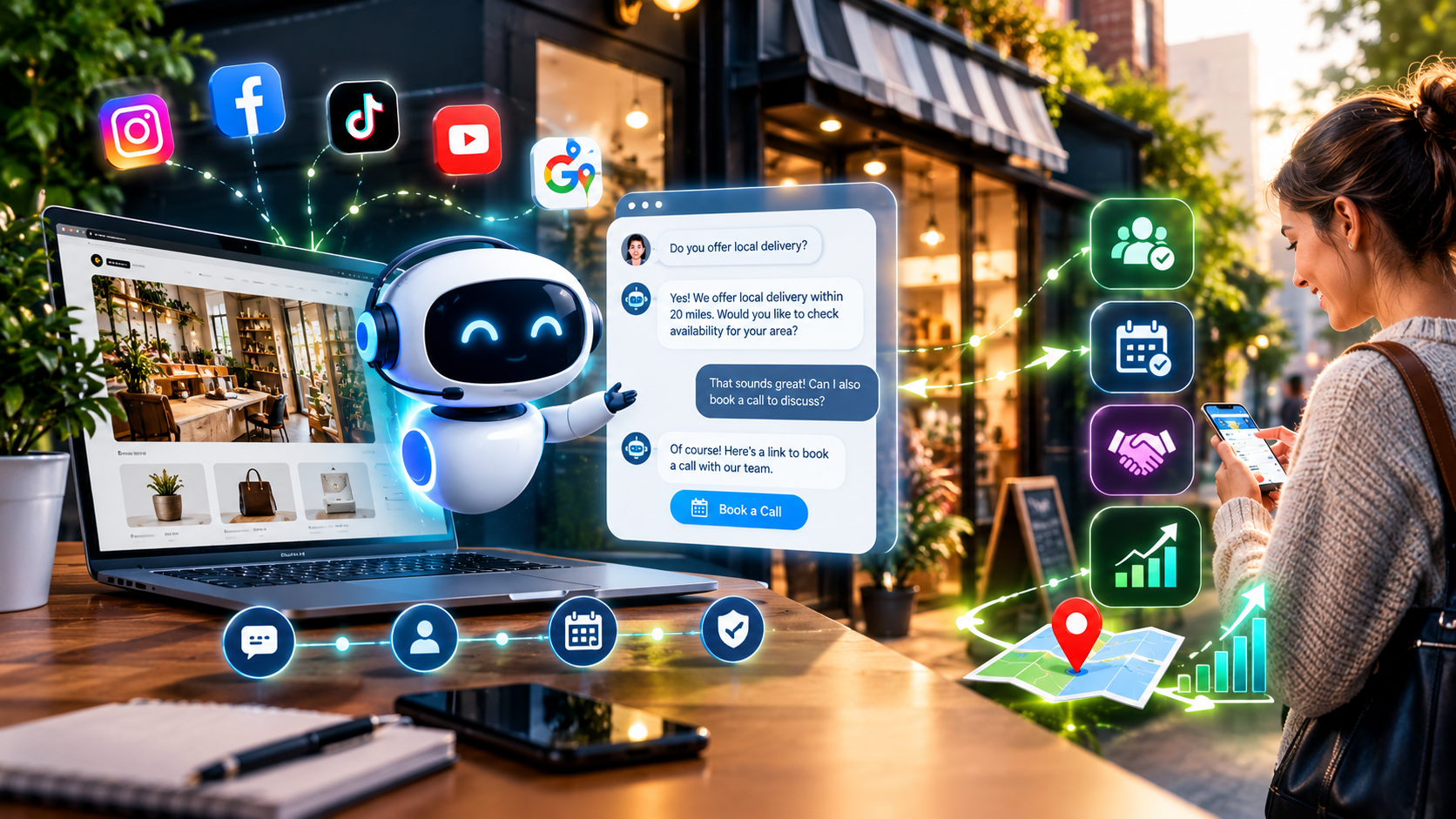
A visitor asks if you offer a service. The bot gives an answer from an approved page. It asks what help the visitor needs, then offers a call or form. If the visitor agrees, the bot sends the details and chat summary to your team. This keeps the next step clear and avoids asking for too much data.
How Much Does AI Chatbot Integration Cost?
There is no set price for every site. The AI chatbot development cost depends on the tool. It also depends on setup and links.
| Setup type | What it may include | Main cost factors |
|---|---|---|
| Basic chat tool | Common answers and contact links | Monthly fee and message limits |
| Lead capture bot | Business content, lead form, and alerts | Setup, tests, and software plan |
| Connected chatbot | Booking or CRM link | Custom work and ongoing care |
| Custom AI tool | Tailored chat flows and system links | Build time, data use, safety, and support |
Ask for setup fees and monthly costs as separate items. Check message limits and support. A low price may not include the tools you need.
Published software prices also vary. As checked in October 2026, Chatbase lists paid plans at $40, $150, and $500 per month. Tidio lists its Starter plan at $24.17 per month with annual billing; higher plans and usage add-ons cost more. These are tool fees, not custom setup costs. A CRM or booking link may add build time.
Start with one or two tasks. Add more after you learn what people ask and which chats lead to sales.
Privacy, Accuracy, and Safety
Your bot may handle names, emails, and phone numbers. Treat this data with care.
The US Federal Trade Commission says firms should collect only the data they need. They should keep it safe. They should limit who can access it. Read the FTC’s small business cybersecurity guide before you set your data rules.
Before launch:
- Tell users they are chatting with an AI tool.
- Ask only for needed details.
- Explain how you use their contact details.
- Check how the vendor stores and keeps data.
- Keep a clear path to a person.
- Test the bot and fix wrong facts.
Do not let a general bot make high-stakes choices or give expert advice on its own.
How to Measure Chatbot Results
Track a few key results each month to see if the bot helps.
- Chats started: How many people use it?
- Leads captured: How many share details for follow-up?
- Good-fit leads: How many fit your service?
- Calls or bookings: How many take the next step?
- Open questions: What facts should you add?
Review chat logs with care. Use what you learn to improve your FAQs and sales steps.
If your site gets visits but few leads, a bot may help. Read our guide to website not generating leads for other fixes.
Should You Use a Chatbot Tool or Build a Custom One?
A ready-made tool may suit a site that needs basic answers and lead capture.
A custom tool may suit a firm that needs CRM links or booking rules. It needs more time to build and test.
Read our guide to AI website builders vs. a web developer to compare ready-made tools and custom work. For wider AI tools, see AI app development for small businesses.
Make Your Website More Helpful to Visitors
Start small. Pick common questions, set clear rules, test answers, and track leads.
Pure Design Hub helps US firms build websites around their needs. Explore our web development services to discuss a chatbot for your site.
Frequently Asked Questions
It adds an AI chat tool to a site. The tool can answer common questions, guide visitors, and pass requests to your team.
Choose a chat tool, add trusted business content, set rules for questions and human handoff, connect forms or calendars, then test it before launch.
Price depends on the tool and links to a CRM or calendar. Ask for setup and monthly fees separately.
Yes. It can collect contact details and send requests to your team. Results depend on traffic and chat flow.
Yes. Let people reach a person when the bot cannot help or they ask for support.