
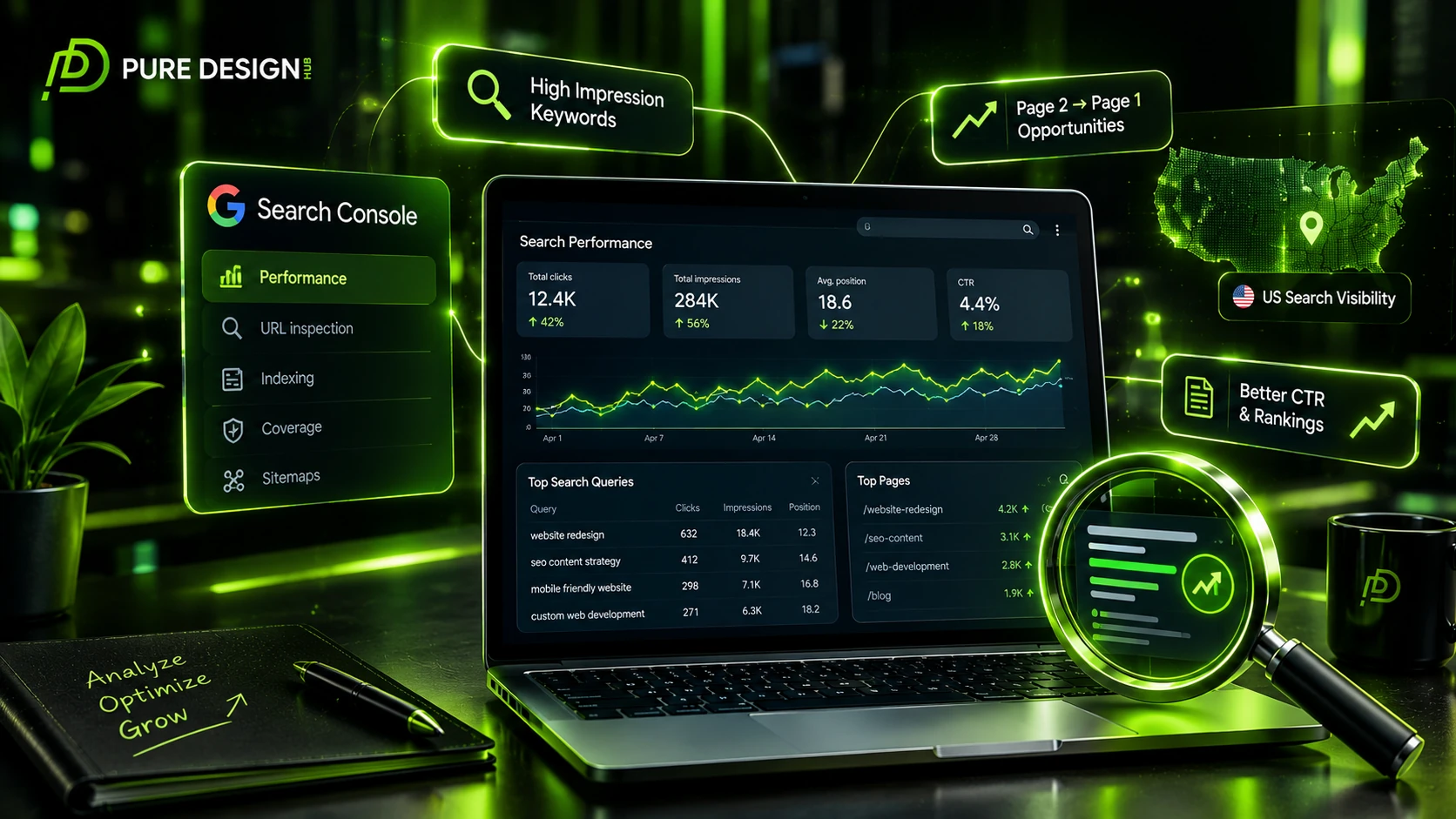



Your website may already be ranking for more keywords than you realize.
The problem is that many businesses only look at clicks. They see a low number and assume their SEO is not working.
But Google Search Console tells a much bigger story.
A page can appear hundreds or thousands of times in Google without getting many clicks. Those impressions are not useless. They can reveal keywords worth targeting, pages close to page one, title problems, content gaps, and opportunities to improve your organic traffic.
For a US business, this data can also show which topics and services are gaining visibility among American searchers. Google Search Console lets site owners analyze search traffic by dimensions such as query, page, country, and device, making it a useful source for finding these opportunities.
What Is Google Search Console?
Google Search Console is Google’s free tool for monitoring how your website performs in Google Search.
It can help you understand:
• Which queries show your pages
• Which pages receive impressions
• How many clicks you get
• Your average position
• Your click through rate
• Which countries generate visibility
• How your pages perform on different devices
Google also recommends using Search Console to review search performance regularly and to monitor important changes to your website.
The real value comes from knowing what to do with the data.
Why Search Console Data Matters for SEO
Keyword tools tell you what people may search for.
Search Console tells you what Google is already showing your website for.
That difference is powerful.
Imagine a US web development company discovers that one blog is already receiving impressions for:
- website redesign
- website redesign checklist
- website redesign cost
The business now has real evidence about what Google connects with that page.
Instead of guessing what to write next, you can build your SEO strategy around proven visibility.
That makes Search Console a valuable source for ongoing SEO decisions.
1. Find High Impression Keywords
Start with the Performance report.
Open the Queries tab and look for keywords with high impressions but very few clicks.
For example:
| Search Console signal | What it can reveal | US SEO action |
|---|---|---|
| High impressions, low CTR | People see the page but do not click | Test a clearer title and meta description |
| Position 8 to 20 | Page is close to stronger visibility | Improve content and internal links |
| Many related queries | Google sees broader topical relevance | Expand useful sections naturally |
| Strong US impressions | Topic has visibility in your target market | Build supporting US focused content |
| Growing impressions | Google is testing the page more often | Monitor and optimize before traffic plateaus |
Do not automatically rewrite every page with high impressions. First understand why the page is appearing.
2. Find Page Two Opportunities
One of the best Search Console opportunities is a page ranking between positions 8 and 20.
These pages are already visible, but they have not fully reached page one.
Suppose a page ranks at position 14 for a valuable US search.
Before creating another article, improve that existing page.
Look at:
Content depth
Internal links
Title
Heading structure
Relevant supporting terms
User experience
Moving an existing page higher can be more efficient than starting from zero.
3. Find Low CTR Pages
High impressions with a weak CTR deserve attention.
If Google shows your page often but users rarely click, the problem may be how the result appears in the SERP.
Check your:
• Title
• Meta description
• Search intent match
• Page freshness
• Clarity of the offer
Avoid clickbait. Your title should accurately represent the page.
A useful title gives the searcher a clear reason to choose your result.
4. Discover New Keyword Opportunities
One of the most useful features of Search Console is that your page can rank for queries you never intentionally targeted.
For example, you may create an article about SEO content and later discover impressions for:
- SEO content strategy
- SEO content writing
- SEO content ideas
content optimization
These related searches can reveal new sections for the existing article or future content opportunities.
Do not create a new page for every variation.
First ask whether the query has the same intent as the page you already have.
That simple check can help prevent unnecessary keyword overlap.
5. Use Search Console to Improve Content
Once you find valuable queries, compare them with your existing content.
Ask:
Does the article answer this question clearly?
Is the topic covered deeply enough?
Could a new section improve the answer?
Would an internal link help readers explore the topic?
For example, a page appearing for keyword mapping may benefit from stronger references to keyword research and search intent where those concepts genuinely support the reader.
This creates a more useful content network instead of isolated blog posts.
6. Find Content Gaps
Search Console can also help you discover subjects your site has visibility for but does not cover well.
Suppose several pages receive impressions around:
SEO audit
website indexing
That could suggest a broader topic area worth developing.
Instead of publishing random articles, group these opportunities into a content cluster.
This is where Search Console becomes more than a reporting tool. It becomes a source for your content strategy.
7. Analyze US Search Performance
Because Pure Design Hub targets the United States, do not only look at overall site performance.
Use the country dimension to study your US visibility.
Search Console supports grouping performance data by country, page, device, and query.
Look for:
• Queries generating US impressions
• Pages gaining US visibility
• Services appearing for US searches
• Mobile versus desktop performance
• Topics with growing visibility
This can help you decide whether a topic deserves more content, stronger internal linking, or a dedicated service page.
8. Use Search Console for AI Search Visibility
Search is changing, but the fundamentals are still important.
Google now includes AI Mode within Search Console’s overall search traffic reporting, and Google has published guidance for appearing in generative AI search experiences.
This makes Search Console even more useful for understanding how your pages perform as search experiences evolve.
Focus on creating content that is:
Clear
Useful
Well structured
Original
Relevant to the searcher
Do not chase AI visibility by stuffing pages with artificial phrases. Strong SEO foundations still matter.
9. Check Search Console Regularly
SEO data changes over time.
A page that looks weak today may gain visibility next month.
A page that once ranked well may lose impressions after competitors improve their content.
Set a regular review schedule.
A simple monthly review can include:
• Top queries
• Top pages
• High impression keywords
• Pages ranking from positions 8 to 20
• Low CTR opportunities
• US performance
• New query variations
Search Console data is most useful when you turn these observations into actual improvements.
Final Thoughts
The biggest mistake is treating Google Search Console as a dashboard you only open when traffic drops.
It is much more valuable than that.
Search Console can show you what Google already understands about your website, where your pages are gaining visibility, and where opportunities are being left behind.
Instead of guessing what to publish next, use the data to decide.
Find the pages with potential. Improve the results that already appear. Understand the searches behind your impressions. Build content around proven topics. Then connect those pages with a clear internal linking structure.
For a US focused business, that approach can help turn scattered impressions into a more focused SEO growth strategy.
And the goal is not simply more impressions.
It is turning the right impressions into relevant clicks, engaged visitors, and future customers.
Frequently Asked Questions
Google Search Console helps website owners monitor search performance, queries, clicks, impressions, rankings, indexing, and other search related signals.
Look for high impression queries, low CTR pages, and keywords ranking between positions 8 and 20. These often provide useful optimization opportunities.
Use its data to improve titles, content, internal links, search intent alignment, and pages that already receive search visibility.
Yes. The Performance report can show the queries associated with your pages along with clicks, impressions, CTR, and average position.
A monthly review is useful for most businesses, while growing websites can monitor important queries and pages more frequently.