
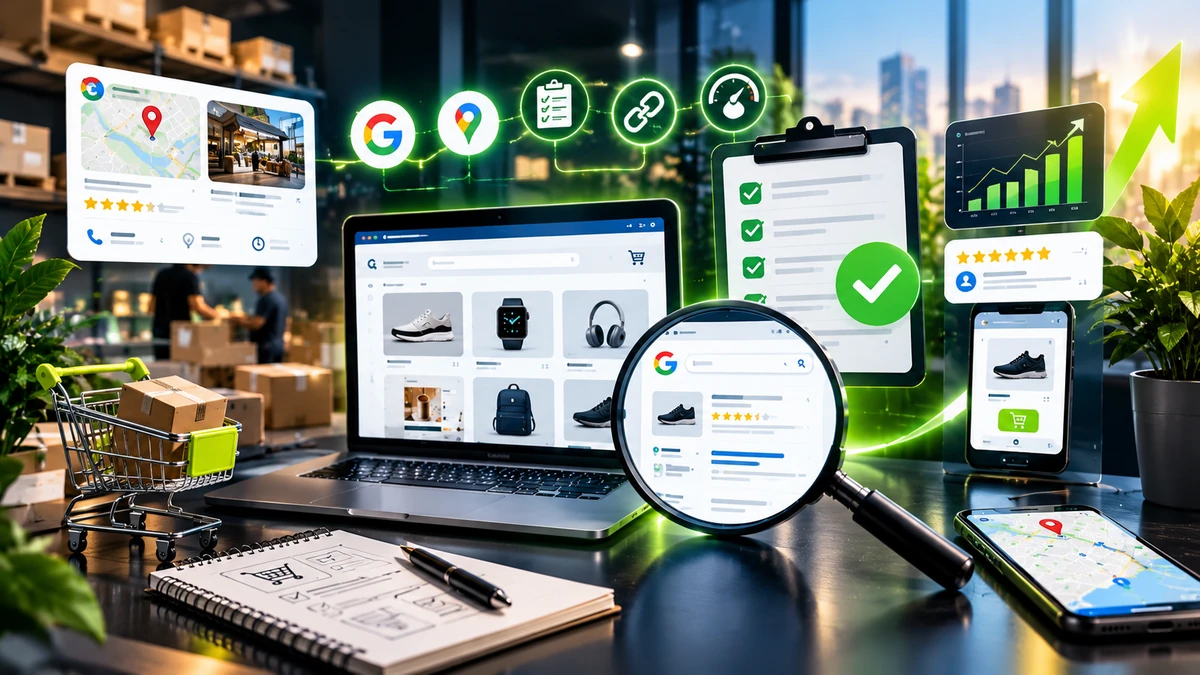


Your online store may look good and still miss key sales.
A slow page can push a buyer away. A bad link can block a key page. Thin copy can make a page weak. Poor product data can stop an item from showing in the right search.
An ecommerce SEO audit helps you find these gaps.
For a small business in the USA, an audit can help you use your time well. Start with the pages that can bring the most sales.
What an Ecommerce SEO Audit Checks
An audit is a full check of your store.
An ecommerce SEO audit checks whether search engines can find your key pages and reviews your site structure, content, links, mobile experience, speed, and product data.
Google says clear site paths and good product data help it find and read ecommerce pages. It also says key product pages should be linked through the site.
1. Check Crawl and Index Issues
Start with your key pages.
Start by checking your robots.txt file, XML sitemap, canonical tags, noindex settings, redirects, and broken URLs to make sure search engines can crawl and index your important pages correctly.
Your key product pages should be easy to reach.
Google advises a clear path from category pages to product pages. It also recommends a self-referencing canonical on pages that you want in its index.
Watch out for filter and sort URLs. They can create many pages with little value.
2. Keep the Store Path Clear
Use a simple path:
Home → Category → Product
Use clear category names. Link to top items. Add a clean menu. Use breadcrumbs when they help.
Google says links help it understand how pages fit together.
3. Match Keywords to the Right Page
Each key page should have one main goal.
Use keyword research to learn what US buyers search for. Then map each term to the right page.
A broad term may fit a category page. A more exact term may fit a product page. A how-to query may fit a guide.
Do not make many pages target the same main term. That can split your page rank.
4. Improve Product Page SEO
A product page should give the buyer the facts they need.
Check the name. Check the copy. Add key specs. Show the price and stock. Add clear photos. Add real reviews. Show key shipping and return facts.
Do not use the same maker copy on many pages. Add fresh text that helps the buyer choose.
Google says Product structured data can make an eligible product page fit for richer search results. These may show price, stock, and review data.
5. Give Category Pages a Clear Job
Category pages can rank too.
Give each page a clear name. Use one main H1. Add short, useful copy. Show the right items. Link to key products.
Do not make two pages for the same product group with near same text.
A clear category plan helps buyers find items fast. It also helps search engines pick the right page.
6. Test the Mobile Store
Use a real phone.
Open the menu. Open a product. Read the main facts. Pick a size or color. Add the item to the cart.
The path should feel easy.
Large files, small tap areas, hard filters, and long forms can make the task hard.
Your on page SEO work should also make key pages easy to use on a phone.
7. Check Speed and Technical SEO
A slow store can make it hard to shop.
Look for large images, slow code, heavy apps, broken links, redirects, and crawl errors that may slow down or affect your store.
Use your technical SEO checklist to find site faults.
Fix faults on key sales pages first.
8. Check Google Merchant Center
Search for a product can happen in more than one place.
Google says eligible products can show for free on Search, Shopping, Images, Lens, YouTube, Maps, and Gemini. Google uses product data to match items with search terms.
Check the title, link, image, price, stock, shipping, and return data.
Make sure the feed matches the store.
Google also says free listing reach is not a sure thing. Good data can help, but it does not force a product to show.
9. Find Thin and Duplicate Pages
Stores can make many pages with little new value.
Look for old items, empty groups, filter pages, and size or color pages with no new value.
Keep pages that help the buyer. Fix weak pages. Merge pages that serve the same need. Use a clean redirect for an old page when there is a good match.
10. Add Smart Internal Links
Links help users move from one part of your site to the next.
Link from a category page to key items. Link from a buying guide to the items it covers.
Use clear link text. Do not use “click here.”
You can link to your E-commerce Website Cost guide when you talk about store cost or site planning.
Google recommends clear link text and direct links that its crawlers can follow.
11. Use Search Data to Set Priorities
An audit should end with a clear work list.
Use Google Search Console to see clicks, views, and search terms.
Then rank each fix.
High: A key page has strong sales value and a clear SEO flaw.
Mid: A page has good rank room but needs better copy, links, or data.
Low: A small fix has little effect on key pages.
This keeps SEO tied to sales.
12. Keep Product Data Ready for AI Search
Product search is changing.
Bing Webmaster Tools now has an AI report that can show when pages are cited in Microsoft Copilot and Bing AI answers. Microsoft says clear site paths, deep coverage, proof, and fresh content can help pages work well as AI sources.
Keep key product facts clear.
Use the same name, price, stock, and key specs on your site and feed.
Do not write for a bot. Write for people first.
Quick Ecommerce SEO Audit Checklist
Review crawl access, index status, site structure, product and category pages, internal links, mobile usability, page speed, product data, Product markup, Merchant Center, duplicate pages, and Google Search Console.
Final Thoughts
An ecommerce SEO audit can show why a store gets less search traffic than it should.
Start with crawl access and site path. Then check keywords, product pages, category pages, mobile use, speed, links, and product data.
Fix the issues that can bring the most value.
A small business in the USA does not need a huge report. It needs a clear plan.
A clean store is easy to crawl. A clear product page is easy to use. Good product data can help a product reach more search surfaces.
That is how ecommerce SEO can help a store gain views, earn clicks, and drive more sales in 2026.
Frequently Asked Questions
It is a full check of an online store, from page setup and links to product data and search views.
Do a full audit once a year. Do a new check after a site move, a redesign, or a big change to the product list.
It should check crawl access, index status, site path, keywords, product pages, category pages, links, mobile use, speed, Product data, and feeds.
Fix crawl flaws first. Then improve product and category pages, use the right search terms, add useful links, and keep product data fresh.
It can help eligible products show in free Google product listings and other shopping areas. But Google does not promise that a product will show.